Need help?
Email us and a real person will reply, usually within two days.
It helps to tell us which toy you were playing and which iPhone you have.
How to play
Every toy is played by opening and closing your iPhone Duo. Go slowly and gently: closing faster never scores more, and slamming only makes a mess.
- Waffle Iron (free): pour batter, add toppings, close to cook, and open when the light turns green.
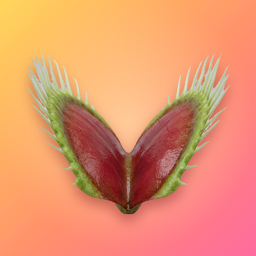
- Flytrap: open to about halfway, wait for a fly to touch two hairs, then close.
- Hydraulic Press: put something on the bed and close slowly.
- Jack-in-the-Box: wind the crank, close it, and hand it to a friend.
- Duo Magic: magicians, long-press the trick's title for the secret guide.
On iPhones without a hinge, use the Open, Close, Peek and Slam buttons at the bottom of the screen.
Common questions
How do I unlock the other toys?
Tap any locked toy, or "Unlock every toy" on the home screen. One purchase unlocks every toy, every waffle iron shape and every future toy.
I bought the unlock but the toys are locked
Open the unlock screen and tap Restore purchase. Make sure you are signed in to the same Apple Account you bought it with.
Can I get a refund?
Refunds are handled by Apple. Visit reportaproblem.apple.com and choose the purchase.
How do I turn off the Flytrap reminder?
Tap the bell in the Flytrap's top corner, or turn off notifications for the app in Settings.
Does the app collect any data?
No. See our privacy policy.